> For the complete documentation index, see [llms.txt](https://docs.optis.me/llms.txt). Markdown versions of documentation pages are available by appending `.md` to page URLs; this page is available as [Markdown](https://docs.optis.me/swatch/variant-images/common-questions/how-do-i-use-a-featured-image-for-collection-pages-but-hide-it-from-the-product-page-gallery.md).
# How do I use a Featured Image for collection pages but hide it from the product page gallery?
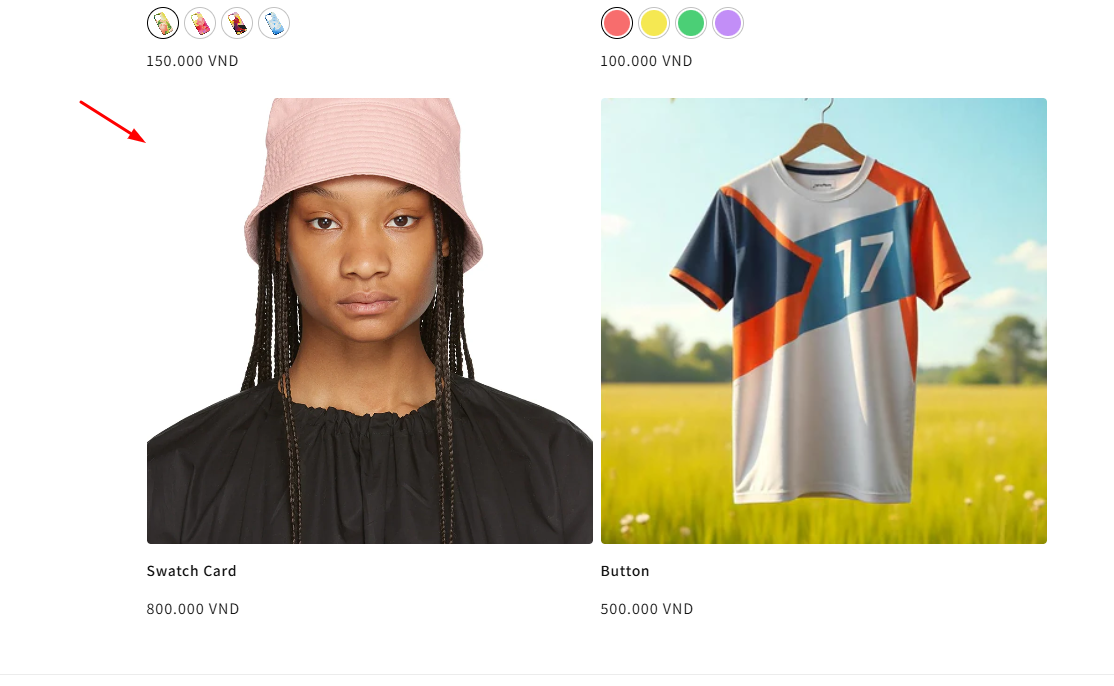
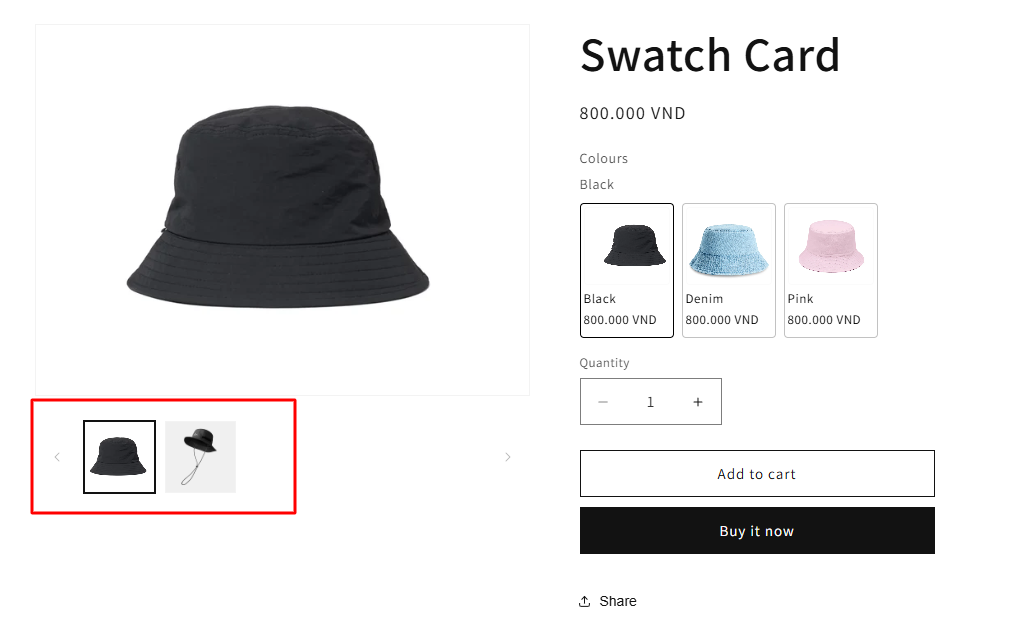
If you want the Featured Image to appear on collection pages but not inside the product gallery:
{% stepper %}
{% step %}
### **Make sure your Featured Image is set as the first Common Image.**
{% endstep %}
{% step %}
### **Enable “Skip Featured Image” in the app’s Image Settings.**
{% endstep %}
{% endstepper %}
✨Result:
* The Featured Image will still display on **collection pages**.
* The image will **not appear inside the product page gallery**, keeping it clean and focused.