> For the complete documentation index, see [llms.txt](https://docs.optis.me/llms.txt). Markdown versions of documentation pages are available by appending `.md` to page URLs; this page is available as [Markdown](https://docs.optis.me/swatch/variant-display/dropdown.md).
# Dropdown
{% hint style="success" %}
**Available on:** Product page, Collection page
{% endhint %}
✨Demo product: [Dropdown](https://optis-color-swatch-variant.myshopify.com/products/dropdown?_pos=1&_psq=drop&_ss=e&_v=1.0) (password: 1)
### **Function**
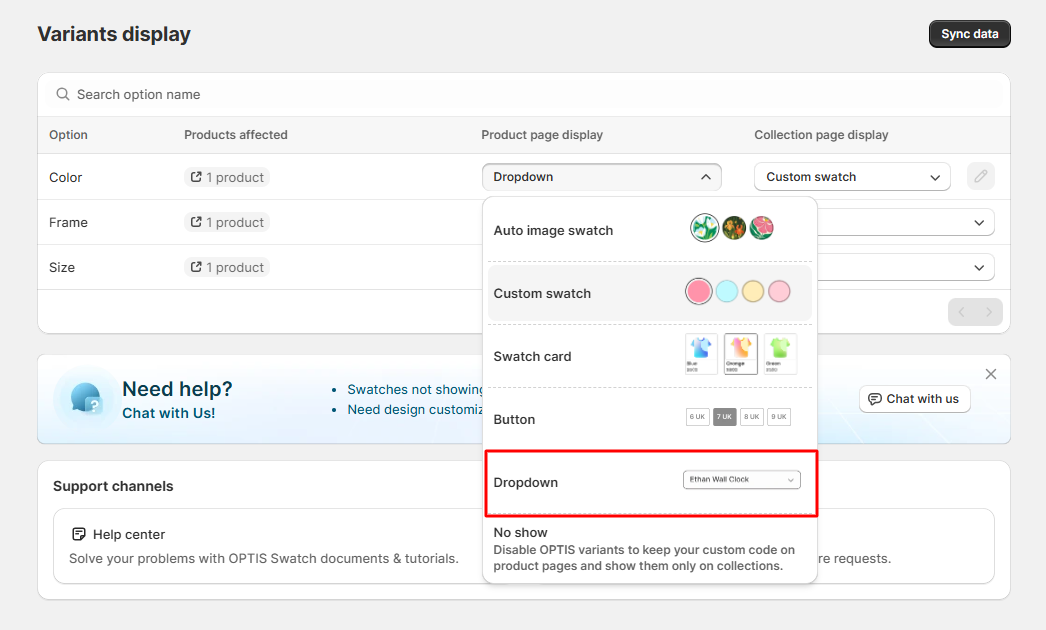
Displays option values inside a **dropdown selector**, allowing customers to choose one value from a list.
### **How it works**
* Options are shown in a **collapsed dropdown**
* Customers select one value at a time
* The selected value is displayed as the active choice
### **Use when**
* Options have **many values**
* You want to **save space** on the product page
* Options are **text-based** and don’t need visual comparison
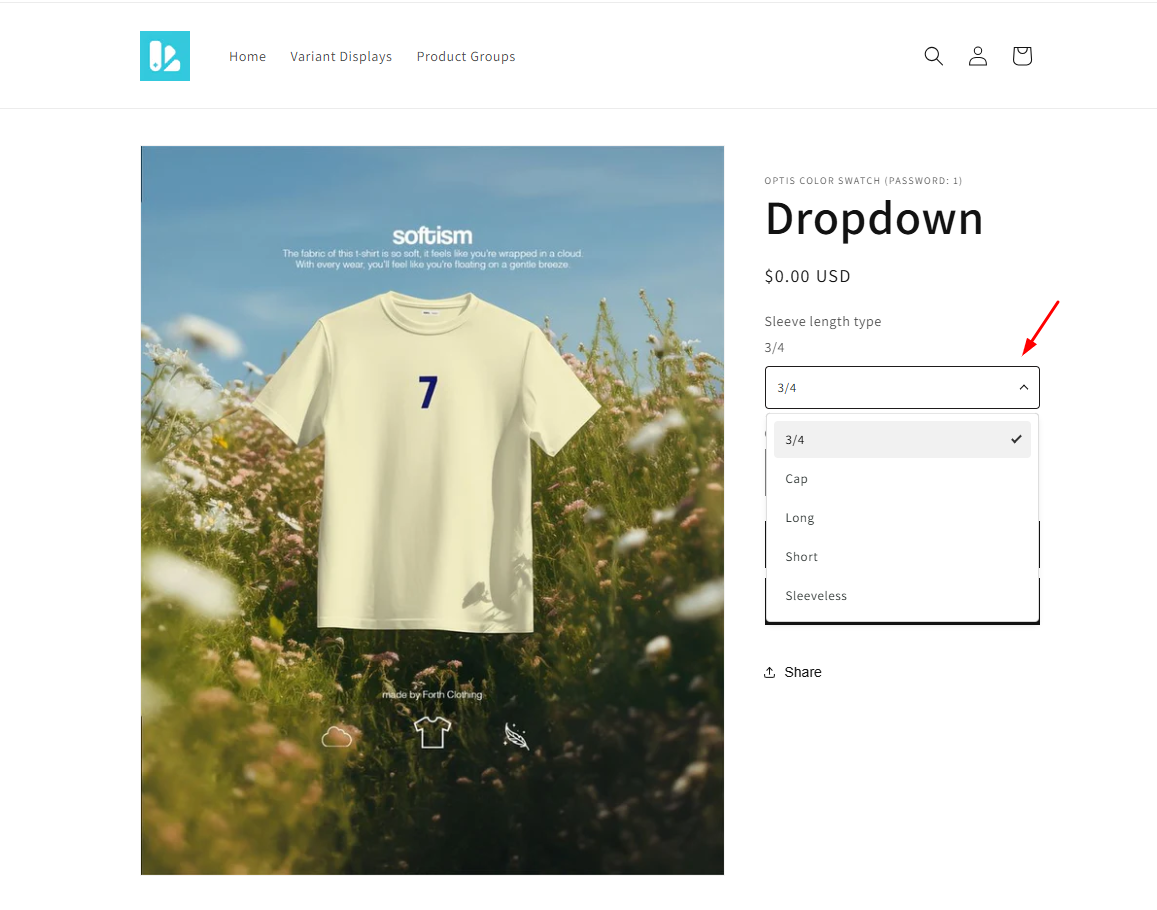
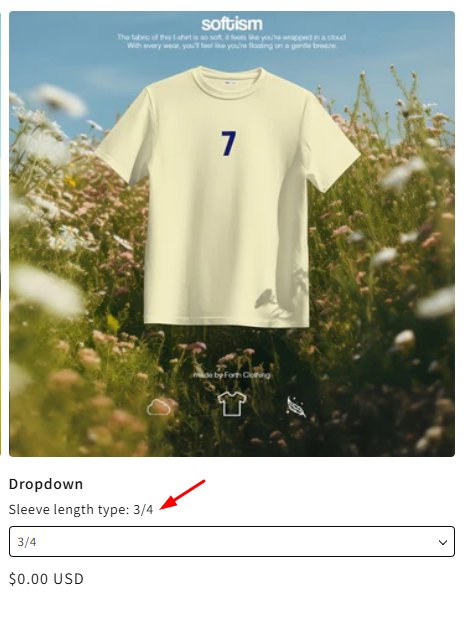
### **How it looks on your store:**
* Product page:
* Collection page: