> For the complete documentation index, see [llms.txt](https://docs.optis.me/llms.txt). Markdown versions of documentation pages are available by appending `.md` to page URLs; this page is available as [Markdown](https://docs.optis.me/swatch/frequently-asked-questions/why-is-my-image-swatch-blurry-and-how-can-i-fix-it.md).
# Why is my image swatch blurry, and how can I fix it?
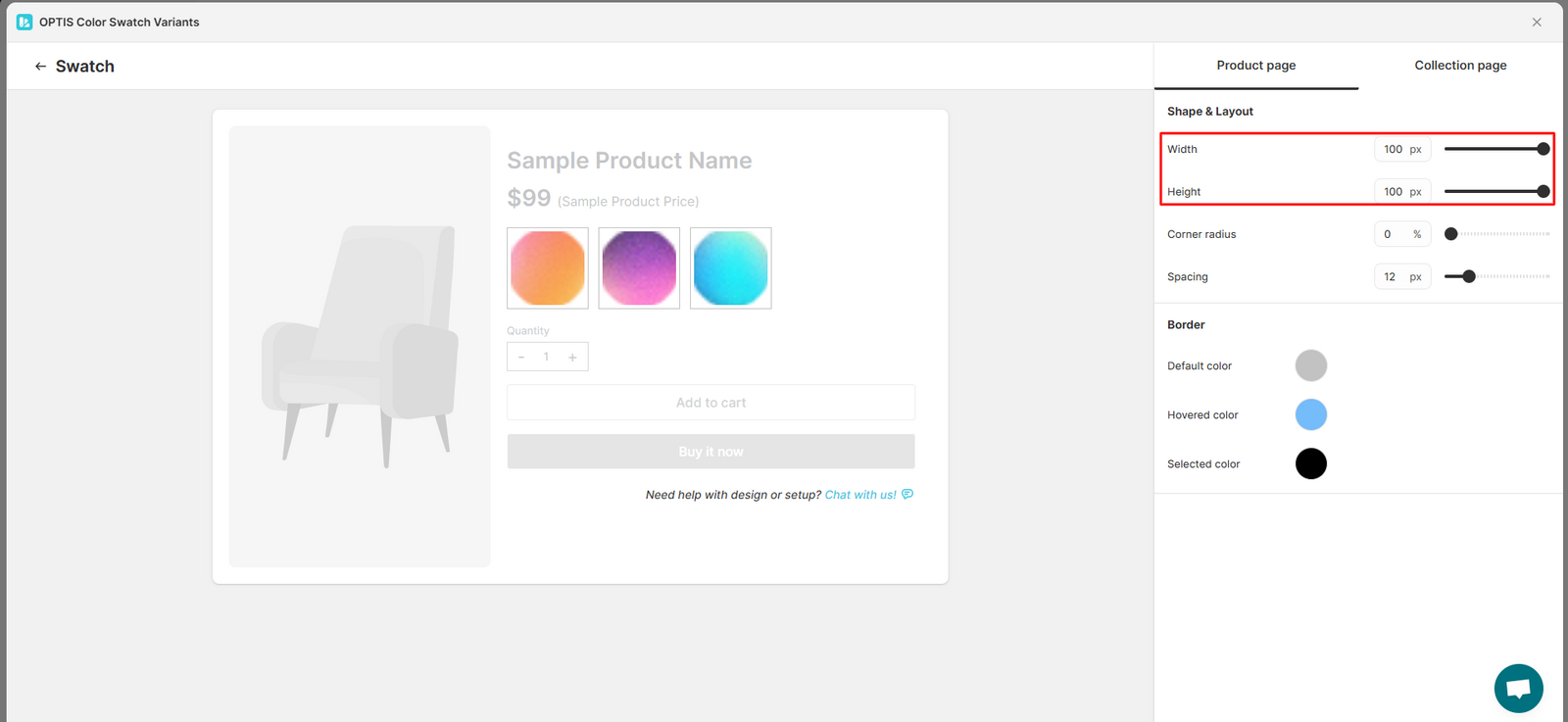
The image looks blurry because the swatch size was increased, but the image size wasn’t updated in the Global settings.
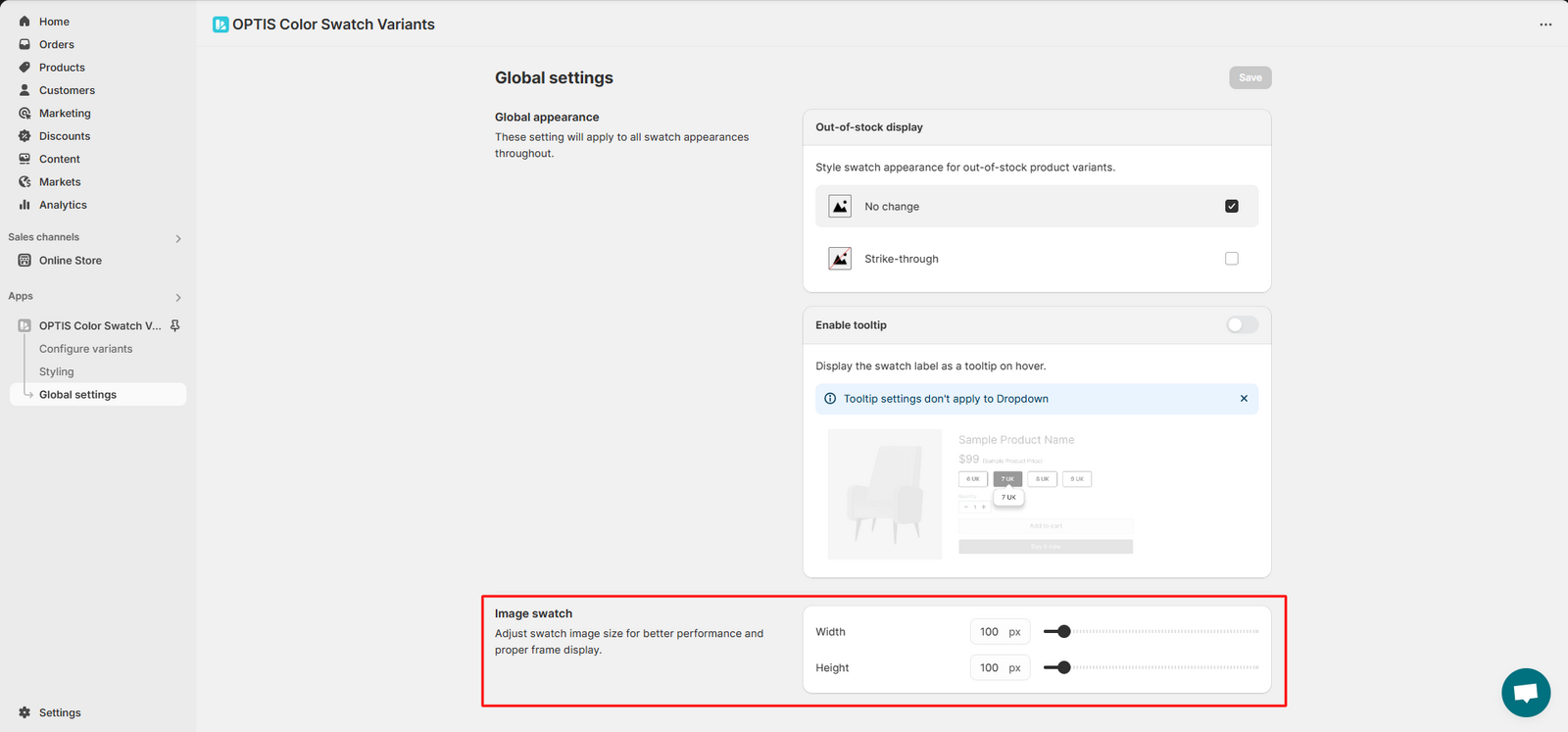
To fix this, go to [**Global settings**](/swatch/global-settings/global-settings-overview.md) and increase the **image swatch size** to match the new swatch size. We recommend choosing a size that's clear enough to see the image well but still small enough to keep loading fast.