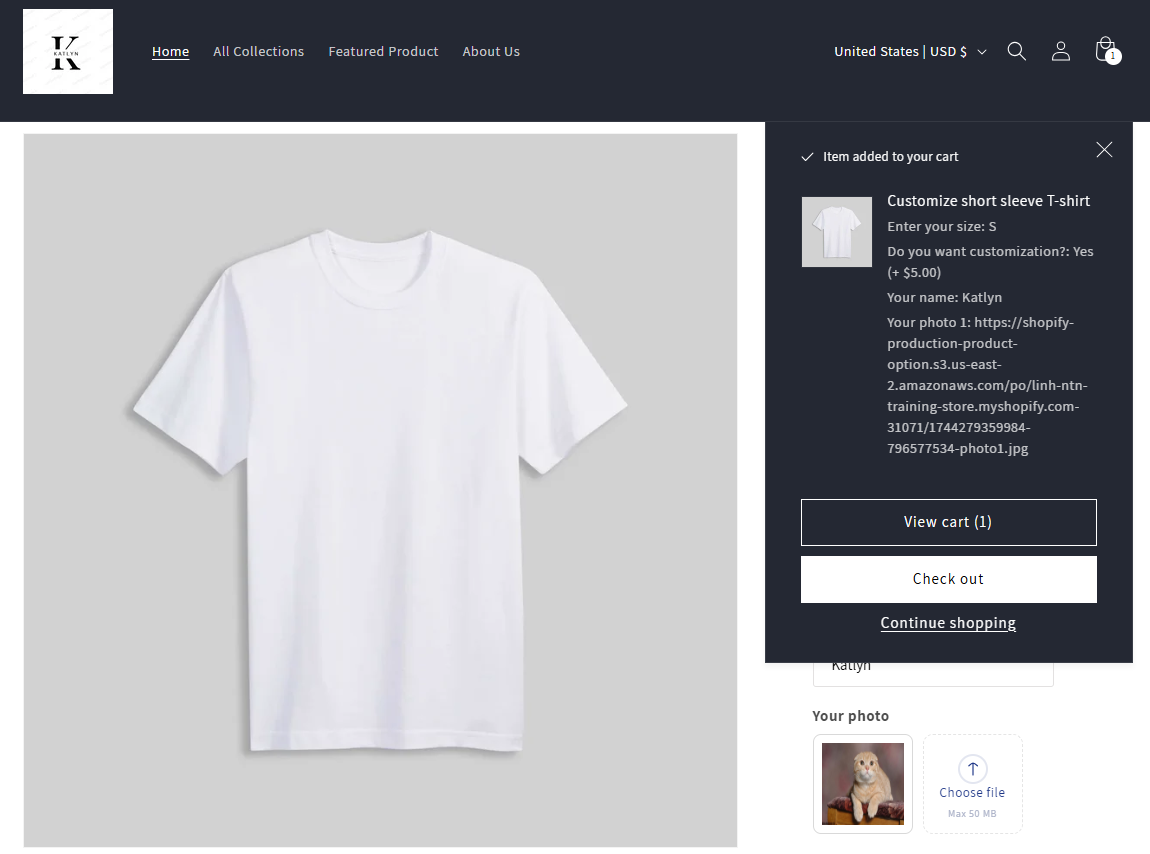
> For the complete documentation index, see [llms.txt](https://docs.optis.me/llms.txt). Markdown versions of documentation pages are available by appending `.md` to page URLs; this page is available as [Markdown](https://docs.optis.me/product-options/advanced-features/work-with-your-cart-drawer-ajax-cart.md).
# Work with your cart drawer / ajax cart
**Installing the 'Work with your cart drawer/ajax cart' advanced feature help:**
* Lets customers see their selected options in the mini-cart or side cart drawer, **when click on add to cart**
* Helps them double-check their choices before checkout.
### **How to make it work in your store?**
This installation can only work if your theme already has a mini-cart, cart slider, or ajax cart feature. If your theme does not have one, this setting will not apply.
**Step 1: Enable the widget**
* Go to Advanced Settings > Display Options on Mini-cart and Cart Slider > Enable the toggle
**Step 2: Contact Support**
After enabling the toggle, please reach out to our support team. We will assist you for free to properly install and configure it into your store’s cart within one working day.